

Download a slideshow in your browser
Paste the slideshow's link into the box above. Every photo appears; download the ones you want, or tap Download all. It works on phones and computers, with nothing to install.
Why screenshots don't work well for slideshows
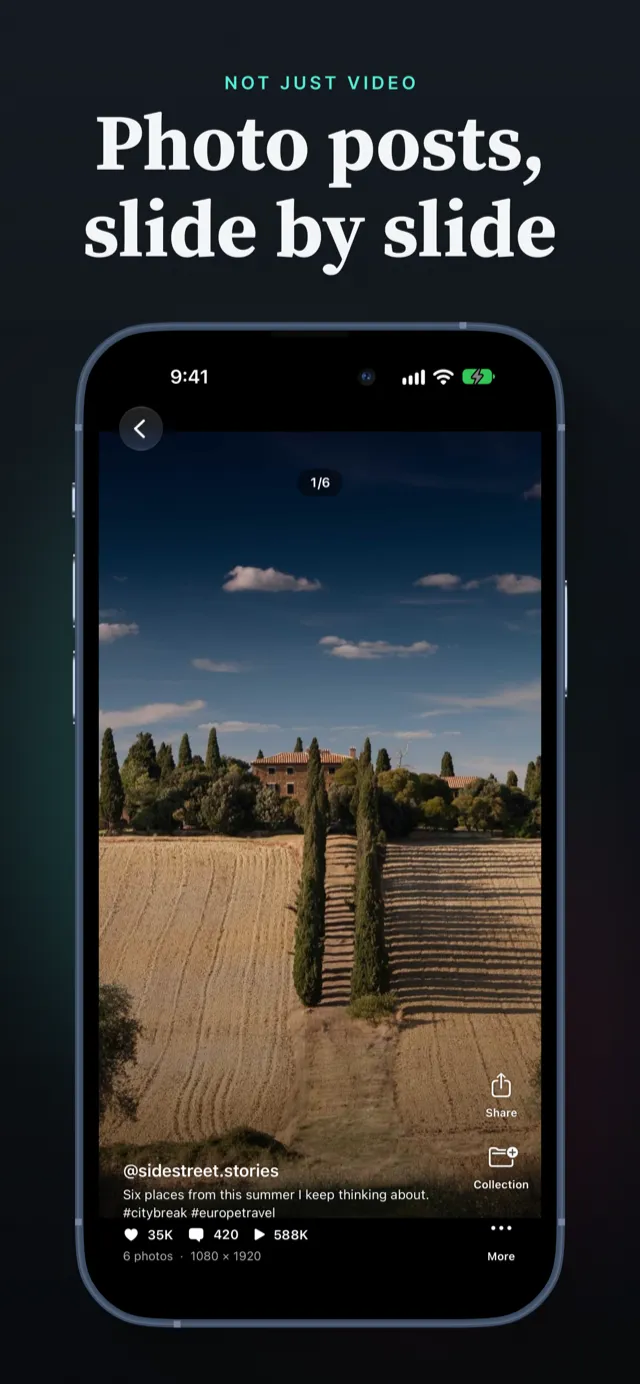
Screenshotting a slideshow one photo at a time catches TikTok's buttons, the caption and the username on every picture, and each screenshot is only as sharp as your screen. A slideshow of ten photos means ten screenshots and ten crops.
PocketTok saves the photos themselves, as TikTok serves them: no buttons, no caption over the picture, and all of them in one save.